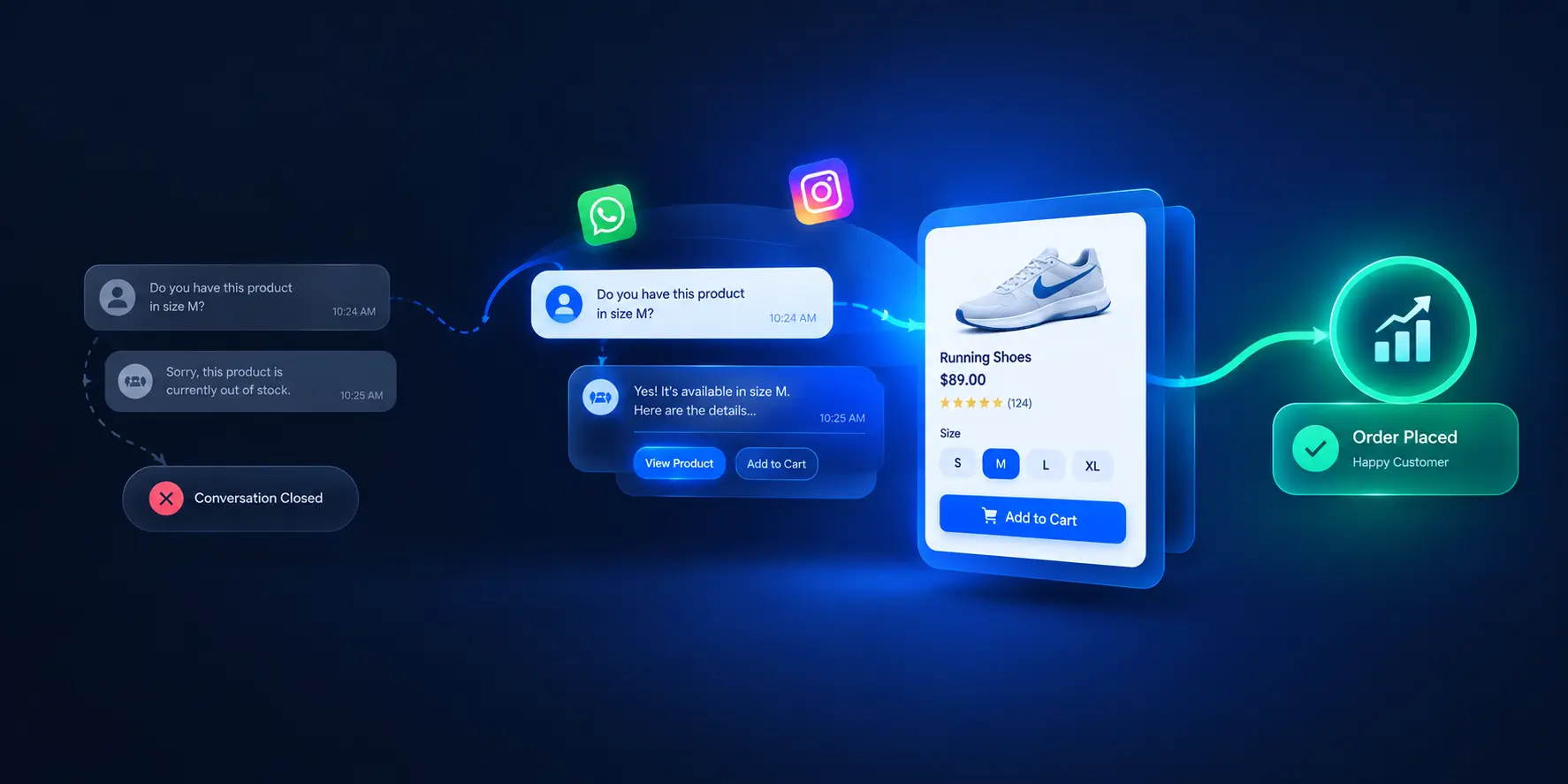
Beyond Discount Popups: Capture Anonymous PDP Shoppers with Proactive Chat
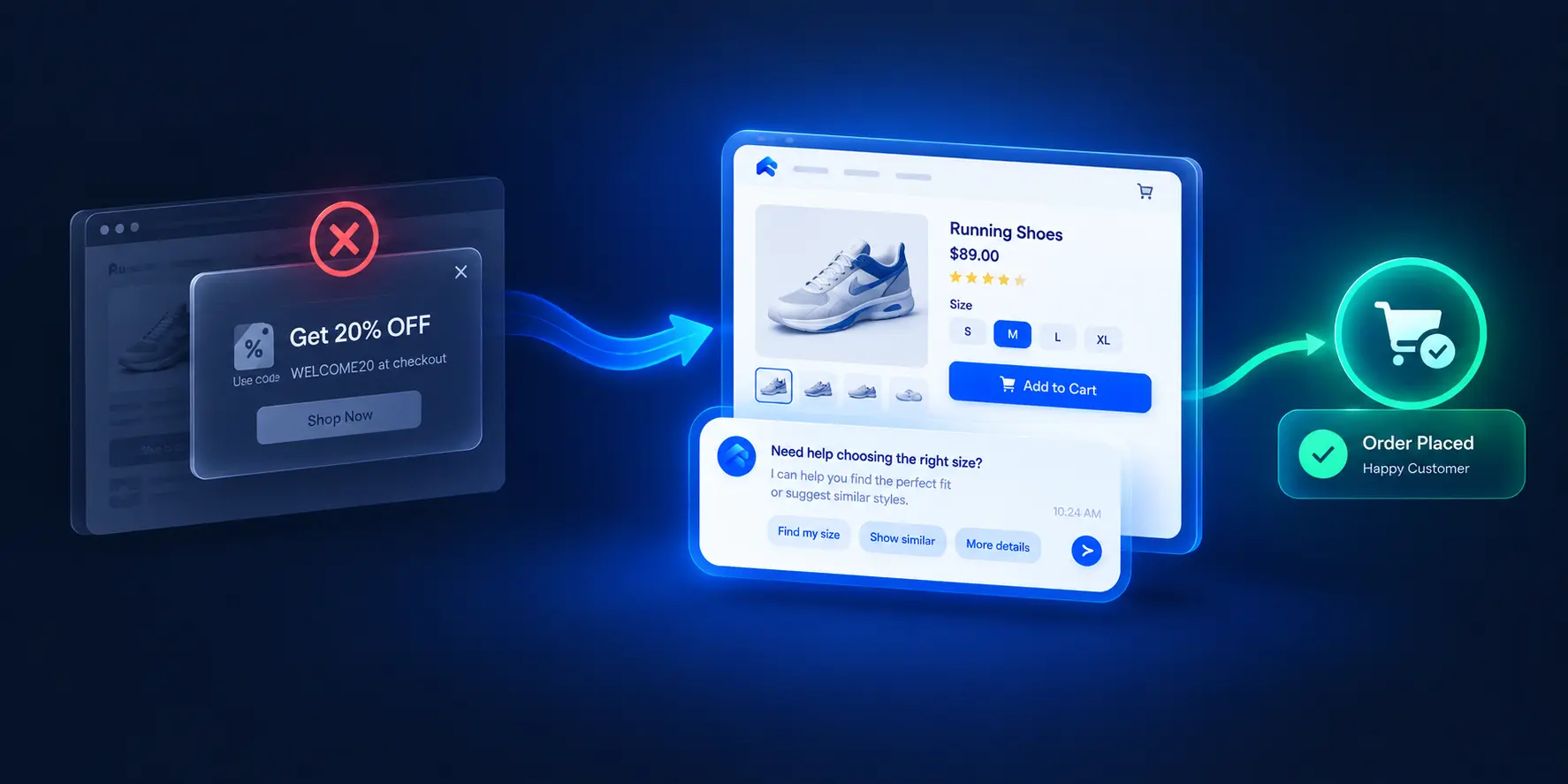
How D2C brands convert high-intent anonymous store visitors with behavior-triggered, catalog-aware chat — help-first engagement instead of margin-eroding popups.
Beyond Discount Popups: How to Capture High-Intent Anonymous Shoppers with Proactive In-Chat Assistance
If you run paid ads for an ecommerce store, the math is uncomfortable. You pay for every click — and then nearly all of that traffic leaves without buying anything.
According to the Contentsquare Q3 2025 benchmark, the global average ecommerce conversion rate is just 2.5%. In other words, 97.5% of store visitors leave without completing a purchase. The Baymard Institute's 2024–2025 checkout meta-analysis puts the average cart abandonment rate at 70.19% — and among shoppers who abandon, 43% say they were "just browsing / not ready to buy."
That last number deserves a closer look. "Just browsing" doesn't always mean low intent. On product detail pages, it often means a shopper is actively comparing specifications, re-reading reviews, toggling between sizes — building the confidence to buy, but hitting a question they never ask out loud. Then the tab closes, and the acquisition cost is spent.
The default tool most stores reach for at that moment is the exit-intent discount popup. It's also the wrong tool. It trains buyers to expect price cuts, erodes margins, and — critically — never answers the actual question that caused the hesitation.
This article presents the alternative: proactive, catalog-aware in-chat assistance that converts anonymous high-intent browsers by helping them, not by discounting to them. The problem, the four signals that identify high-intent visitors, the help-first framework, and a practical implementation blueprint.
The Leak in Paid Acquisition: Why 97% of Store Traffic Leaves Anonymously
The CAC Crunch: Why Driving Traffic Without Intent Capture Is Unsustainable
Customer acquisition costs have climbed across Meta, Google, and influencer channels. When nearly every paid click leaves without converting (the 97.5% anonymous-exit reality from Contentsquare's benchmark), every point of conversion improvement you can extract from existing traffic directly reduces your effective acquisition cost per order.
That makes intent capture — engaging visitors before they leave — one of the highest-leverage CRO activities available to a store. And it's precisely the activity most stores handle worst.
The Anatomy of Anonymous Bounce: High Intent vs. Unanswered Product Hesitations
An anonymous exit is not one behavior. It's two very different situations wearing the same clothes:
- Low-intent browsing: the visitor clicked an ad, glanced, and left. Little to recover.
- High-intent hesitation: the visitor spent 45+ seconds on a product page, came back to it twice, toggled between variants, read the reviews — and left because a specific question went unanswered.
The second group is where the money is. Operators in ecommerce communities describe this repeatedly: repeat page visits and long session times are among the most underrated buying signals, and paid traffic that produces those behaviors without converting is the most painful waste in the P&L.
The Baymard data supports the pattern at scale: with 43% of cart abandoners citing "just browsing / not ready to buy," a large share of abandonment is about unresolved decision confidence — not price, and not a broken checkout.
Why Static Exit-Intent Discount Popups Train Buyers to Expect Price Cuts
The exit-intent popup's logic is: the visitor is leaving → offer a discount → maybe they stay. Its failures compound:
- It addresses price, not the real objection. A shopper hesitating over shade match, compatibility, or sizing doesn't want 10% off — they want an answer.
- It erodes margin on every conversion it does win, including shoppers who would have bought at full price.
- It trains behavior. Shoppers learn that abandoning triggers a coupon — so they abandon deliberately. Merchants in operator communities increasingly describe these popups as ineffective and damaging to brand perception.
- It captures an email, not the session. The immediate high-intent moment is gone; the follow-up sequence starts from cold.
Identifying the 4 Uncaptured Buyer Signals on Product Pages
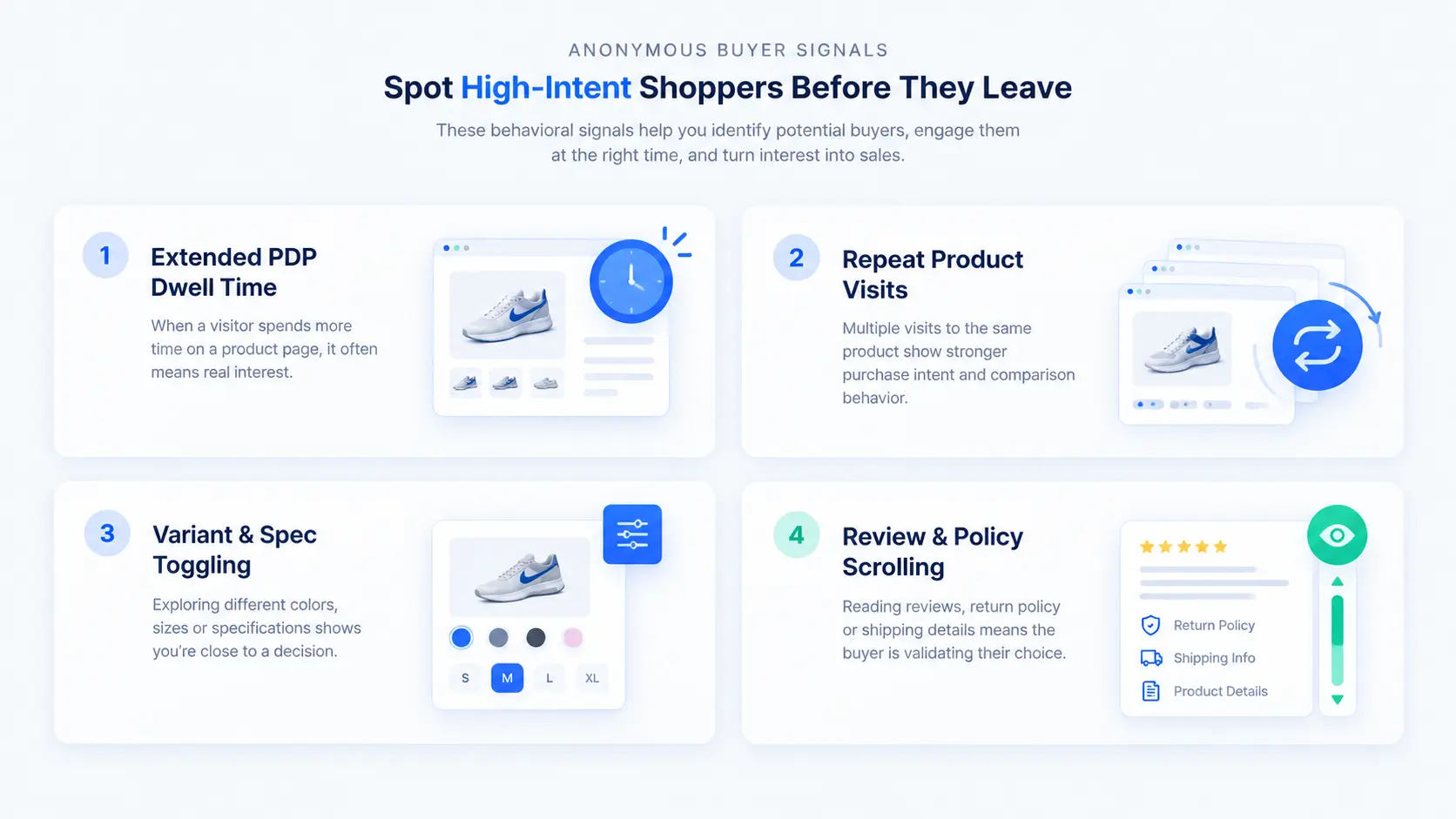
Proactive engagement only works when it's aimed at genuine intent. These are the four behavioral signals operators consistently report as strongest:
1. Extended PDP Session Duration (The 45+ Second Deep Read)
A visitor spending well above average time on a single product page — especially on catalog-dense items like electronics, skincare routines, or specialized apparel — is doing decision work. As a CRO rule of thumb, operators treat extended single-page dwell time as one of the clearest engagement-worthy signals.
2. Repeat Product Views Across Sessions and Micro-Touchpoints
Returning to the same product URL multiple times within a session — or across 24–48 hours — signals active consideration. The shopper is coming back to something. That's not anonymous browsing; that's a shortlist of one.
3. Active Exploration: Toggling Variants, Sizes, and Ingredients
Switching between colors, sizes, or bundle configurations without clicking "Add to Cart" means the shopper is trying to self-serve an answer: which version is right for me? This is exactly the moment a conversational prompt with catalog context can close the gap.
4. Cart Addition Hesitation: Reading Reviews and Shipping Policies
Deep-scrolling reviews, shipping timelines, and return policies before checkout indicates the shopper is resolving final doubts. Unanswered questions here are the last obstacle between intent and order.
The Paradigm Shift: Replacing Margin-Eroding Coupons with Help-First Conversations
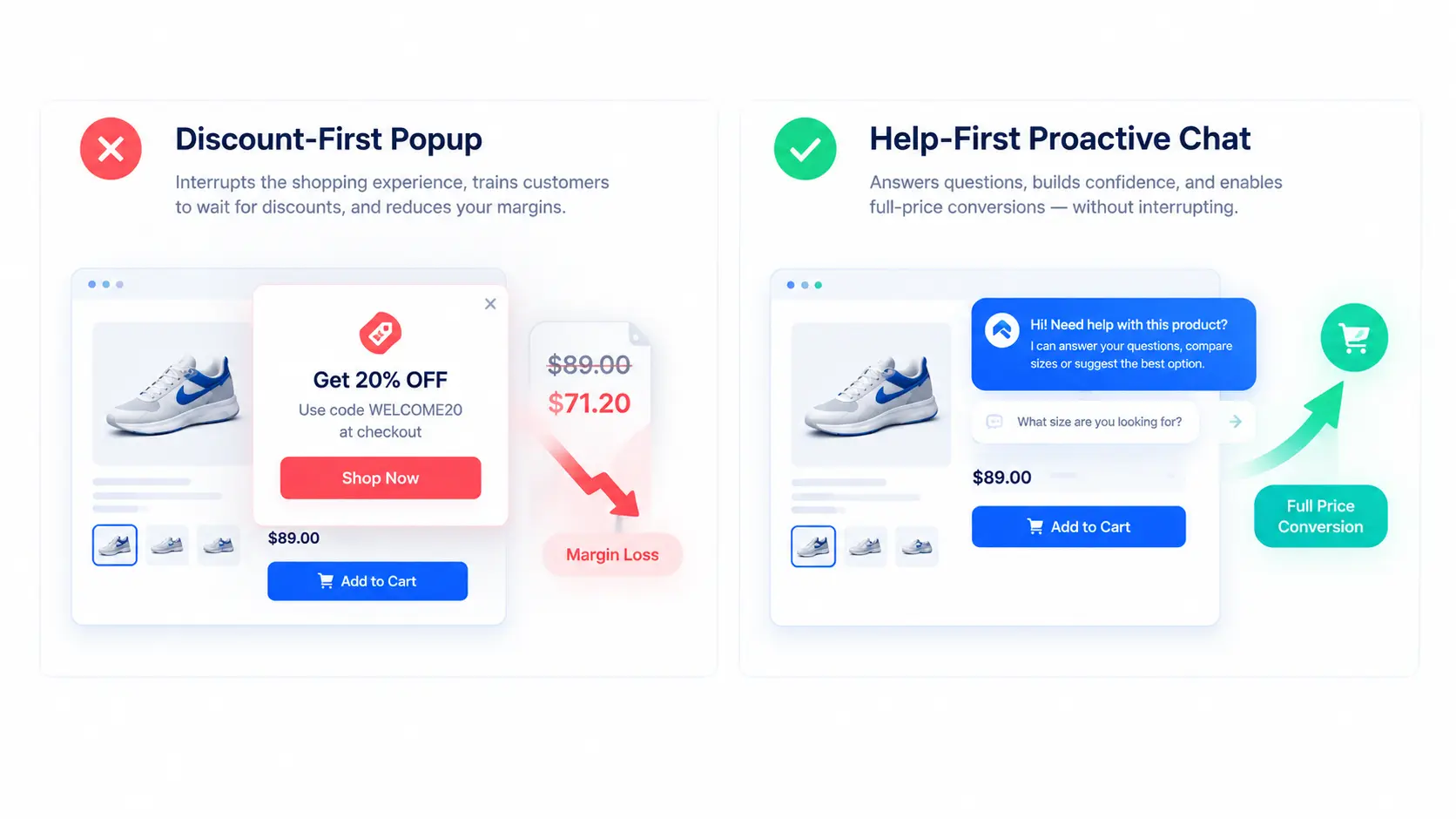
Discount-First vs. Help-First: Addressing the Real Root Cause of Hesitation
The two strategies diverge at a fundamental level:
| Dimension | Discount-First Popup | Help-First Proactive Chat | | :--- | :--- | :--- | | Trigger | Exit intent (visitor already leaving) | Behavior signals (visitor showing intent) | | Message | Generic discount code | Product-specific question or assistance | | Margin impact | Cuts price on every won conversion | Preserves full-price orders | | What it resolves | The visitor's exit | The visitor's actual hesitation | | Behavior trained | Abandon to trigger coupons | Ask → get helped → buy |
The help-first approach works because it treats hesitation as an information problem, not a price problem.
Contextual Triggering: Prompting Based on the Exact Product Page Being Viewed
The single biggest differentiator between helpful and spammy proactive chat is context. A prompt that references the exact product being viewed — "Looking for the right shade match for oily skin? Ask me anything about this foundation" — reads as service. A generic "Need help? Chat with us!" reads as noise.
Catalog-Grounded Answers: Providing Immediate Spec, Fit, and Policy Clarity
When the shopper responds, the answer must be accurate and instant. That requires the chat assistant to draw directly from the store's actual product data — specifications, stock levels, sizing guides, ingredient documentation — rather than generic guesses. Catalog-grounded answers convert hesitation into confidence; hallucinated or vague answers destroy trust at the exact moment it matters most.
A Practical Implementation Blueprint for Proactive In-Chat Engagement
Timing, frequency, and placement rules determine whether proactive chat converts or repels. The following are CRO best-practice recommendations — treat them as starting points to test against your own store's data, not as universal laws.
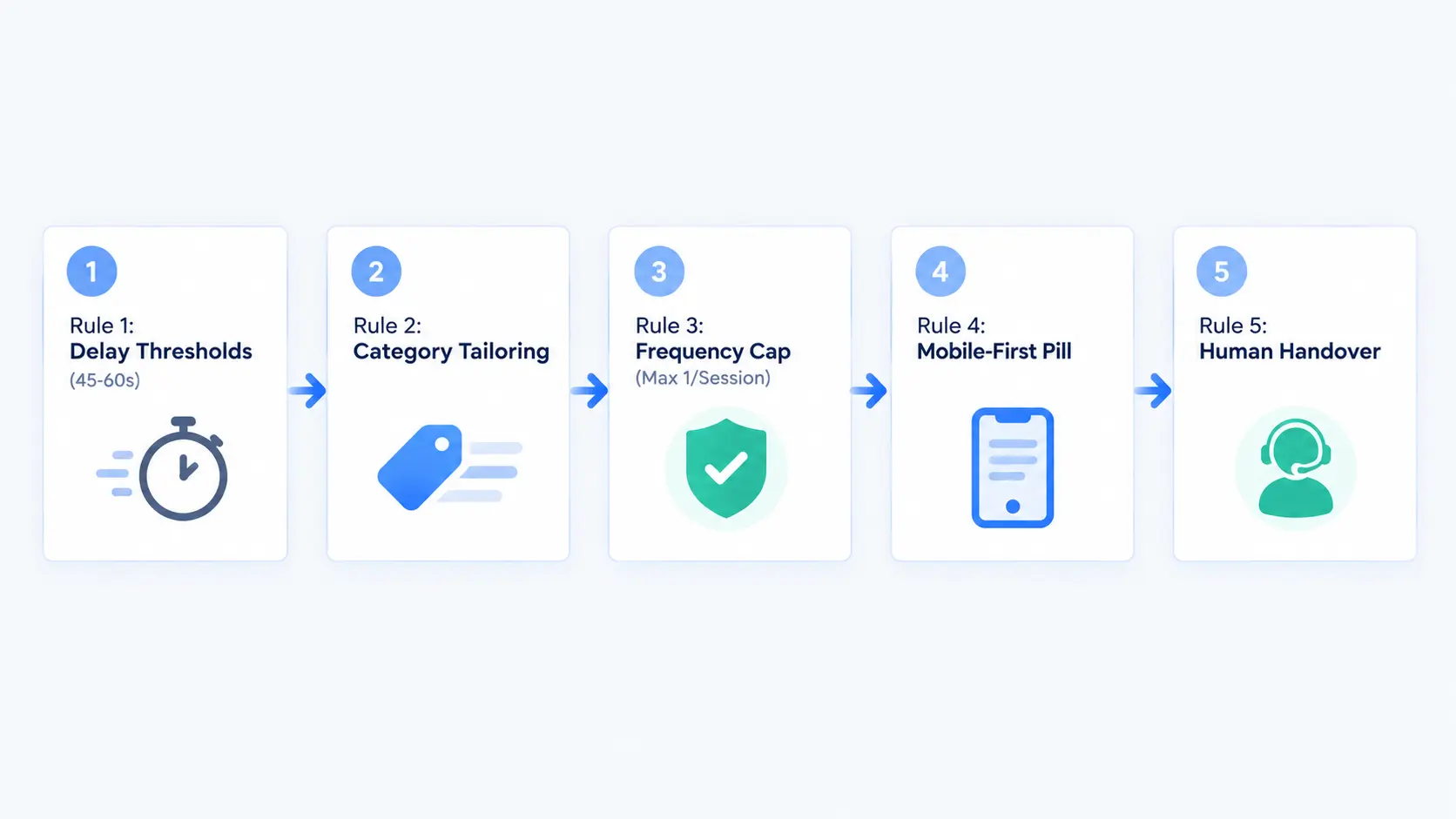
Rule 1: Set Delay Thresholds to Prevent Immediate Intrusion (45–60 Second Best Practice)
Never trigger a prompt in the first seconds of a page visit — that's the classic popup mistake. The common CRO recommendation is a 45–60 second delay on the product page, or a trigger on the second page view, so the visitor has demonstrably engaged before the prompt appears.
Rule 2: Tailor Prompts to Specific Product Categories and High-Priced SKUs
A skincare shopper needs shade and ingredient guidance; an electronics shopper needs compatibility answers. High-priced items justify more proactive assistance because the order value at stake is larger. Match the prompt's opening question to what shoppers actually hesitate about in that category.
Rule 3: Enforce Strict Frequency Caps (Maximum 1 Proactive Prompt Per Session)
Repeated proactive prompts across every page view are the fastest way to make chat feel like spam. One well-timed, well-targeted prompt per session preserves the experience — and keeps the channel credible for the visitors who genuinely need it.
Rule 4: Mobile-First Experience: Subtle Collapsed Pills vs. Full-Screen Modals
On mobile, proactive prompts must never block product photos, prices, or the Add-to-Cart button. The safe pattern is a small, dismissible pill or subtle bubble expansion at the bottom of the screen — present, but never in the way.
Rule 5: Establish Instant Human Handover Rules for High-Value or Complex Queries
When a shopper's question exceeds the assistant's knowledge — a custom requirement, a bulk inquiry, a nuanced complaint — the conversation should escalate immediately to a human agent with full chat and browsing context preserved. Instant, context-preserving handover is what makes the proactive channel trustworthy enough to be aggressive about helpfulness.
What to Look for in a Proactive Conversational Conversion Platform
If you're evaluating tools for this approach, the capabilities that matter are:
- Real-time behavior triggers and PDP context awareness. The platform must detect dwell time, repeat views, and variant exploration — and know exactly which product the visitor is looking at when the prompt fires.
- Store catalog ingestion for instant, accurate product guidance. Answers must come from your actual catalog — specs, stock, variants — not generic training data.
- Seamless integration with your website chat widget and multi-agent inbox. Proactive conversations should land in the same unified dashboard as your reactive support conversations, with human takeover available instantly.
Platforms like UpsellDesk are built around exactly this architecture: a customizable website chat widget powered by AI assistants trained on your business knowledge and product catalog, answering customer questions and recommending relevant products — with human takeover whenever a conversation needs a person.
Conclusion & Strategic Takeaway
Turning Paid Ad Clicks into Retained Margin and Higher Conversion Rates
The 97.5% of traffic that leaves without buying isn't a wall — it's a filter. Inside it sits a measurable group of high-intent shoppers: the deep readers, the return visitors, the variant-togglers, the review-scrollers. They don't need a discount. They need an answer.
The shift is structural: stop triggering engagement at exit and start triggering it at intent; stop leading with price and start leading with help; stop capturing emails and start resolving hesitations in the session itself.
Stores that make this shift convert more of the traffic they've already paid for — at full price — and stop training their best prospects to abandon for coupons.
Frequently Asked Questions
Do proactive chat popups annoy online shoppers?
They only annoy shoppers when triggered immediately upon landing (in the first seconds) or when offering generic promotions. When delayed (a 45–60 second best-practice recommendation) and contextually tailored to the specific product being viewed, proactive chat is perceived as helpful customer service rather than intrusive advertising.
How does proactive in-chat assistance differ from traditional exit-intent popups?
Traditional exit-intent popups present a full-screen overlay offering a generic discount code in exchange for an email. Proactive chat opens a subtle conversation prompt on the product page itself, offering to answer specific questions about fit, ingredients, compatibility, or shipping before the shopper decides to leave — resolving the actual hesitation instead of discounting around it.
What browsing behaviors indicate a store visitor has high buying intent?
The strongest signals are extended time on a single product page (45+ seconds as a common operator rule of thumb), returning to the same product URL multiple times across sessions, toggling between variant options (color, size, bundle), and deep-scrolling through technical specifications or reviews before checkout.
How do you prevent proactive chat from blocking the mobile shopping experience?
On mobile, proactive chat should trigger as a small, dismissible pill or subtle widget expansion at the bottom of the screen — ensuring product photos, price details, and "Add to Cart" buttons remain completely unobscured. Full-screen modals on mobile are the pattern to avoid.
Ready to get started?
Start using UpsellDesk today and transform your customer conversations.
Written by
UpsellDesk Team · Content Strategist at UpsellDesk